It is getting cold, wet and dark outside now. I am not a big fan of cycling outside in the cold and less keen on cycling in the dark. I do use hi-viz gear and have some very bright lights so I can be seen but I just don’t feel as safe on the roads.
Traditionally, I would stop cycling outdoors around November and not return until March / April time once the weather has warmed up and the lighter mornings and evenings are coming back.
This used to mean that I did not cycle at all for 5 or 6 months.
In 2018 I invested in some new indoor cycling gear which has been an absolute game changer. I can now ride in the garage during the winter months, giving me a massive head start come April. In 2019 and 2020 I had already hit 2,000 (virtual) miles by April, which is a massive advantage.
The obvious advantage to cycling indoors is not being out in the cold, the rain / snow and the wind. There is also the huge safety advantage of not riding on the roads. The biggest advantage I have seen has been the ability to use a smart trainer to fully control and structure specific training sessions. Being able to control the watts and perfectly timed intervals really adds value to the training.
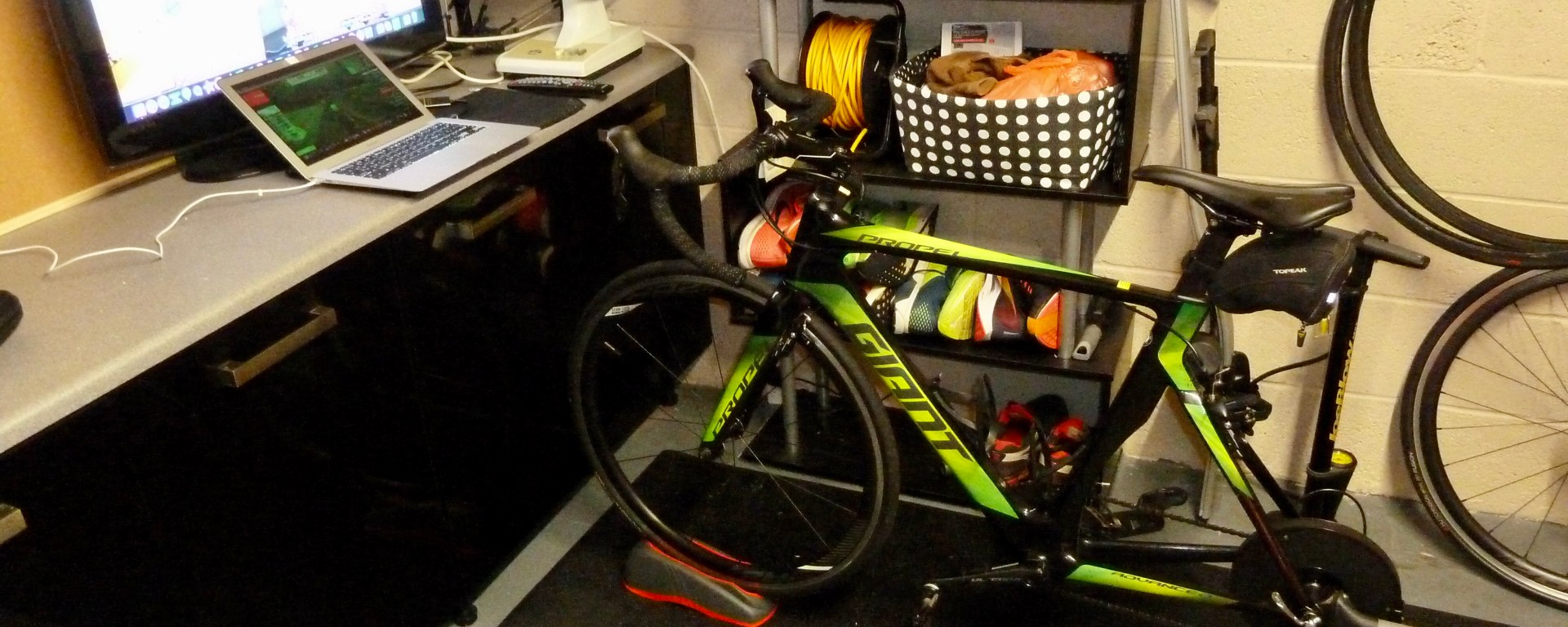
So, my indoor cycling setup it pictured below. I will give a brief breakdown of what I have, why I chose to go with this setup and a few other options that are available. Just ignore the clutter of my shelving unit, that has turned into a dumping ground for my retired running shoes and bike cleaning gear.
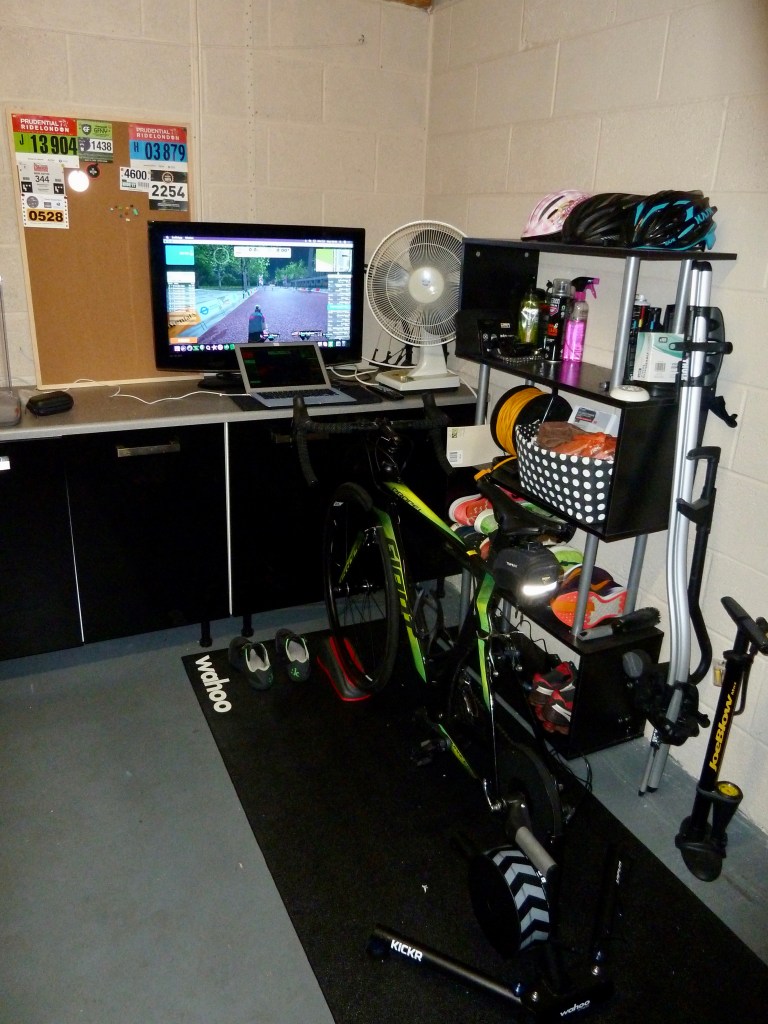
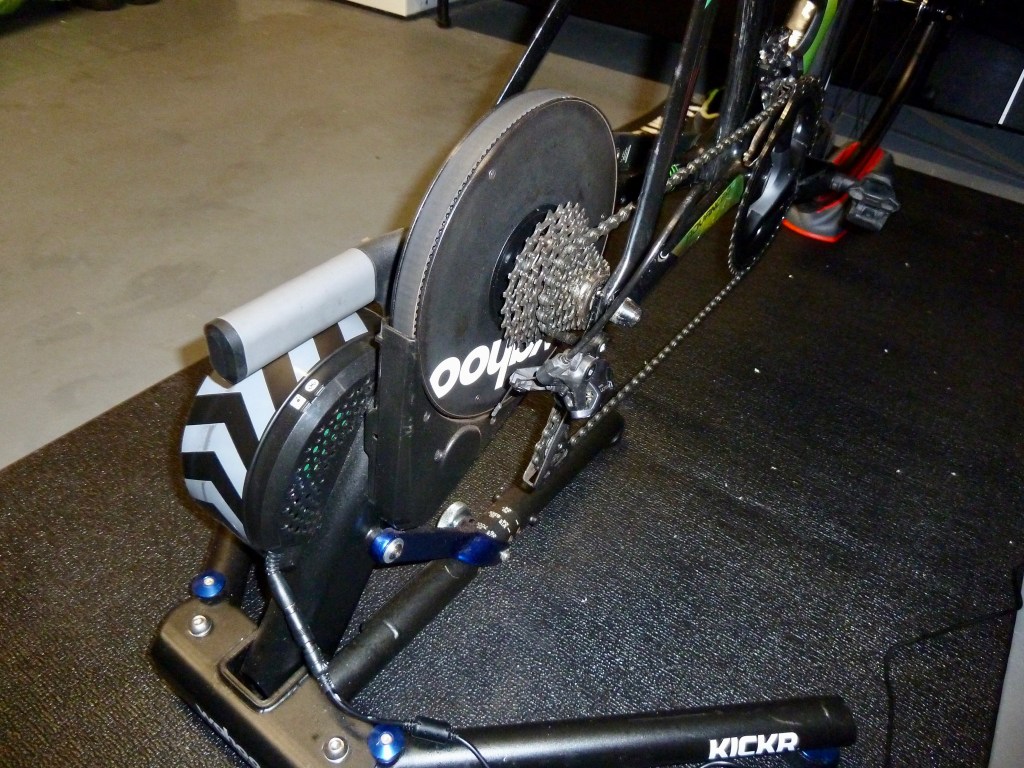
I went with the Wahoo KICKR Smart Trainer for my indoor trainer. I use my Giant Propel Advanced 1 road bike on the trainer.
I wanted a smart trainer to connect up to a training software package called Zwift. A smart trainer is a bike trainer that has a wireless connection to a software application. This connection allows the software to control the resistance felt through the trainer. This gives the impression of cycling through real-world obstacles such as hills and we all LOVE hills, don’t we?
A smart trainer also allows the software to set up specific structured workouts to give a certain training effect. This is the big selling point in my opinion and has massively pushed my bike fitness onto a whole new level.
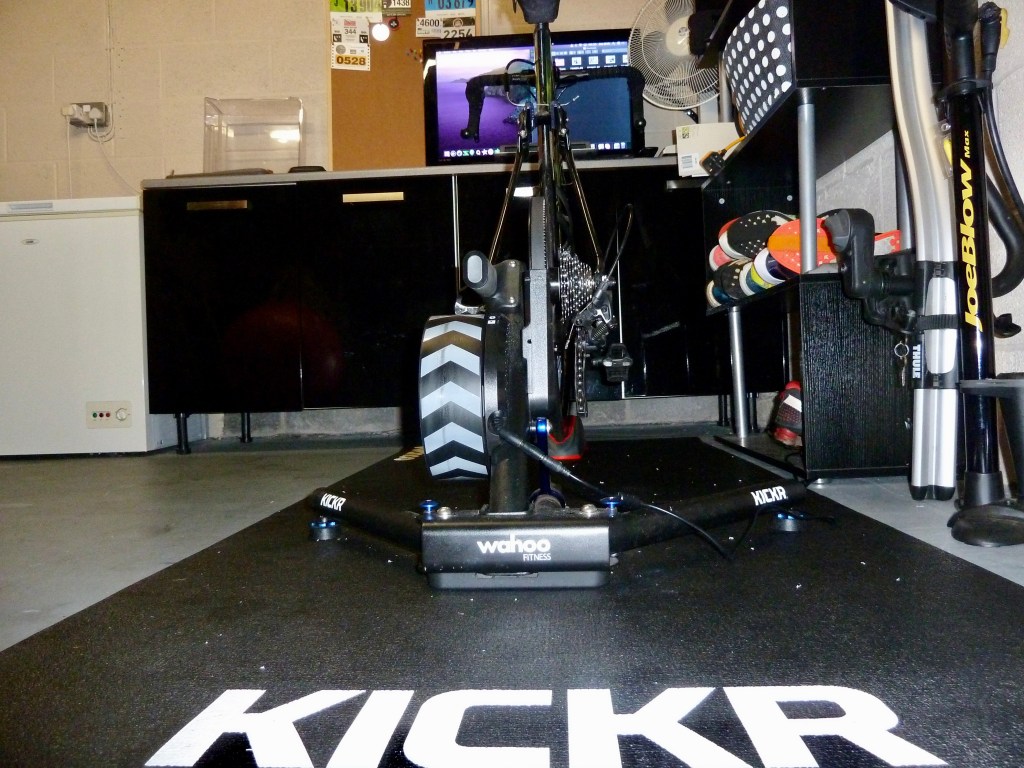
The Wahoo KICKR is a direct drive trainer. This means you have to take the rear wheel off your bike and mount the bike chain onto the cassette attached to the trainer. There is also the option to buy a trainer where the rear wheel sits on a roller, meaning you do not need to remove the wheel and can snap the bike into place quicker.
I wanted a direct drive trainer as I felt the rear wheel can slip or not have perfect drive every time on a rear-wheel trainer. With the direct drive, every peddle stroke is driving the cassette which in turn is driving the flywheel of the trainer. There is no slip and the power loss through the components is minimal.
Direct drive trainers tend to be more expensive than their rear-wheel counterparts, so the price has to be factored in alongside the power loss and occasional slips.
As well as the Wahoo KICKR there is an ever-growing list of other direct drive trainers available, Wahoo also sells the Wahoo KICKR Core which has a slightly lower spec but also lower price than the KICKR. I will list a few others that I have heard good reviews of but as always, do your own more upto date research if you are looking for other direct-drive smart trainers.
- Elite Direto-X
- Elite Suito
- Elite Drivo II
- Tacx Neo 2
- Tacx Flux
Some rear wheel trainers I have heard good things of are:
- Wahoo KICKR Snap
- Tacx Blue
- Saris M2
Some companies are now bringing out their own smart bikes which replace the need to buy a trainer and use your road bike. A smart bike works in a similar way but the bike stands freely and provides resistance through the peddle stroke. Two examples of these are the Wahoo KICKR Bike and the Wattbike Atom. As you would expect, these push the price to a whole new level.
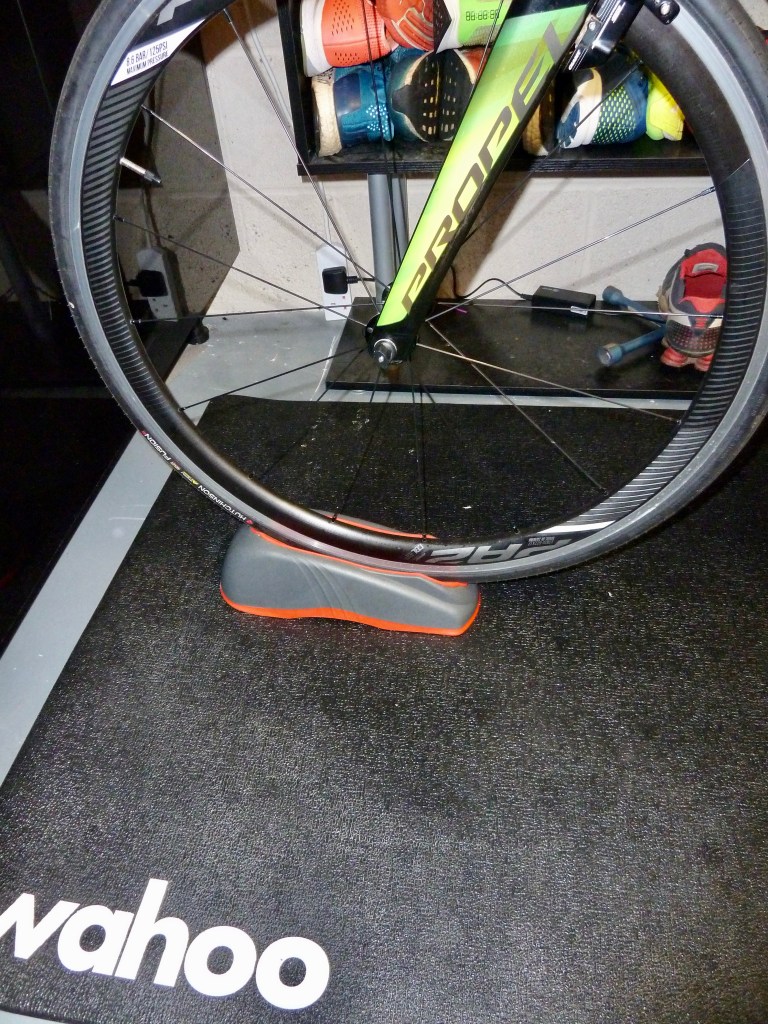
I use the Elite ElastoGel Front Wheel Riser block to hold my front wheel in place. I brought this from Wiggle.co.uk for £20.00. This isn’t an essential part of my setup and you could just as easily ride indoors without a riser block. I like to have my wheel slightly raised to hold the bike in a more natural position as the rear is slightly higher due to the trainer.
Elite has now started to sell a smart riser block that connects to the Zwift software and allows you to kind of steer your avatar around the virtual world. It feels a bit of a gimmick to me at this stage but I can see the potential further down the line.
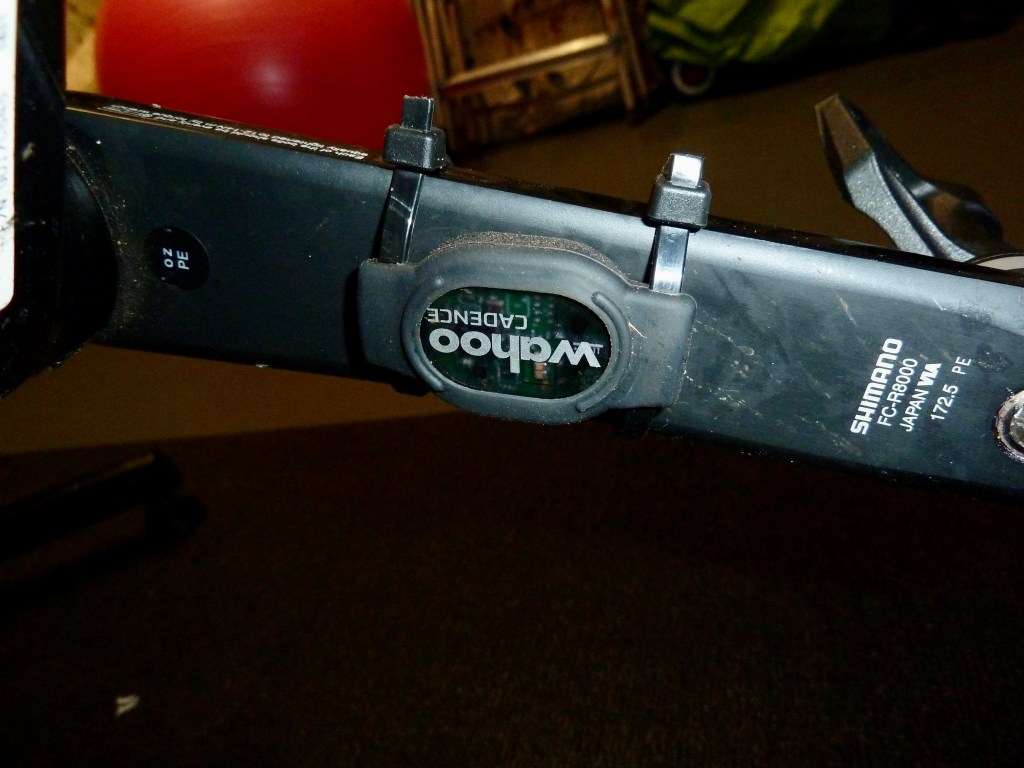
The Wahoo KICKR smart trainer can measure the amount of power you are putting through the peddles but it does not measure your cadence (how many times you spin the peddles per minute…. RPM). So, I brought the Wahoo Cadance Sensor this is a little chip which attaches to the crank and measures the RPM and wirelessly feeds this back to the Zwift software (as well as your bike computer if riding outdoors).
That is it for the physical hardware I use. In summary, the Wahoo KICKR Smart Trainer, Wahoo Cadence Sensor and Elite ElestoGel front wheel block. Plus a bike.
I have mentioned the Zwift software a few times. This is the software which controls the smart trainer and virtual world which gives you something nice to look at rather than staring at the wall for hours.
Zwift requires a monthly subscription which currently costs £12 or $14.99 per month but they also offer a 7-day free trial. The mileage and your Zwift level carry over if you stop for a while after your free trial or if you cancel your membership and later return, you pick up where you left off (as long as you register with the same account).
With Zwift you have the option of doing a Freeride where you can explore the virtual world. As you ride around the software controls the resistance of the smart trainer giving the impression of that hard slog up a big hill or the freewheeling down the other side. Let’s face it, the best part of a big climb is the downhill, although not quite the same feeling sat in the garage, it is still a nice reward seeing your avatar taking a hairpin bend at 55mph.
Zwift also offers group rides, workouts and races. The group rides are a great way to chat with other Zwifters around the world whilst enjoying a social spin in the solitude of your garage. Races are a fantastic way to test yourself against others around the world. These are very hard and fast races. I have had my ass handed to me in every race so far despite posting all my highest average watts during these races.
Zwift workouts are the best feature for me. I use these every day of the week to get structured workouts in perfect conditions. Compare trying to ride a threshold session outdoors with things like traffic lights, traffic, pedestrians or potholes disrupting the flow. On Zwift you have none of this and get a perfect resistance from the smart trainer.
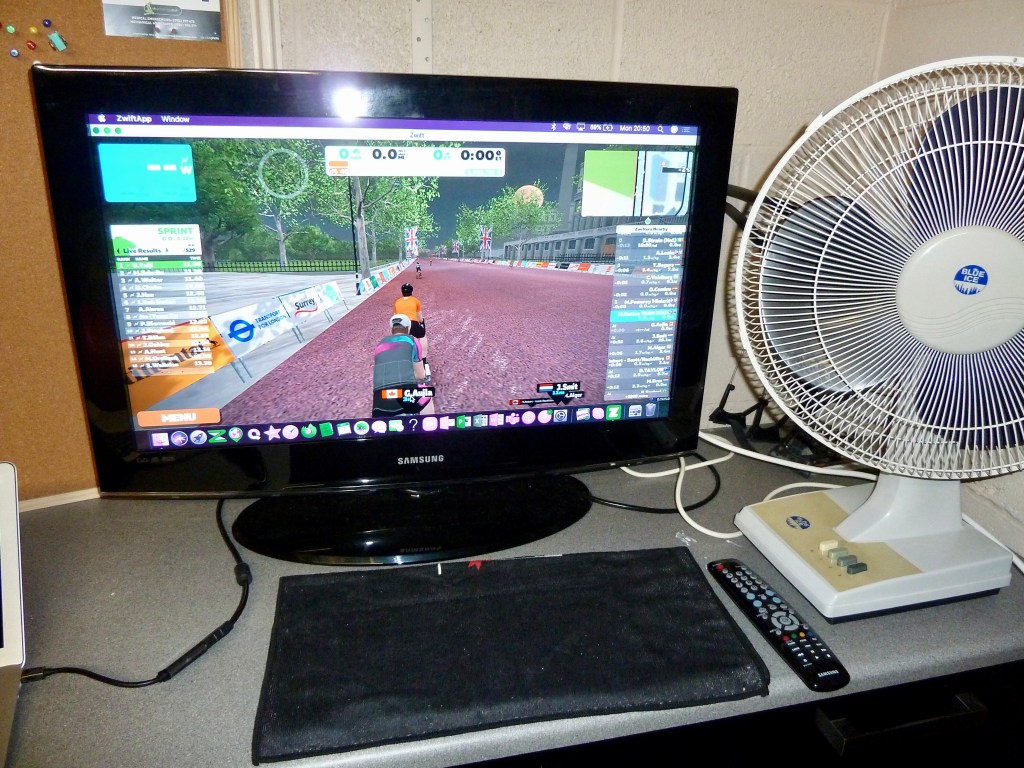
I have an old 32″ TV screen in the garage which I connect to my Apple MacBook Air via an HDMI to USB-c adapter cable I picked up from Amazon for £7.99. You can download the Zwift app onto an Apple TV, Macbook, iPad or iPhone as well as all the android and PC options.
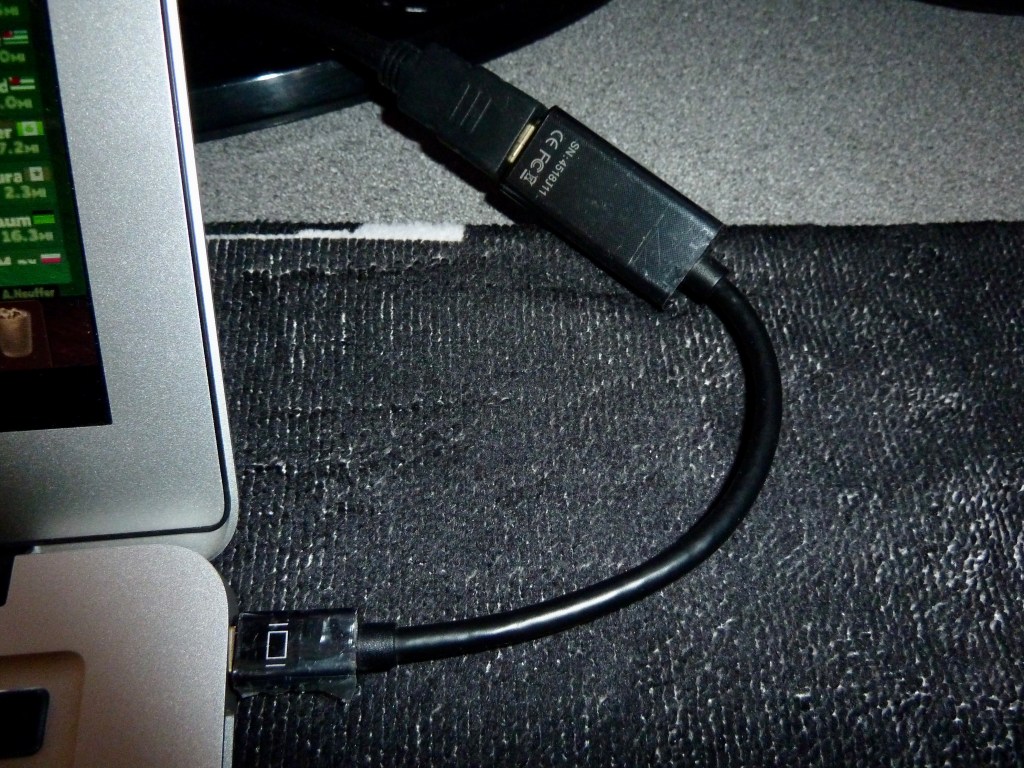
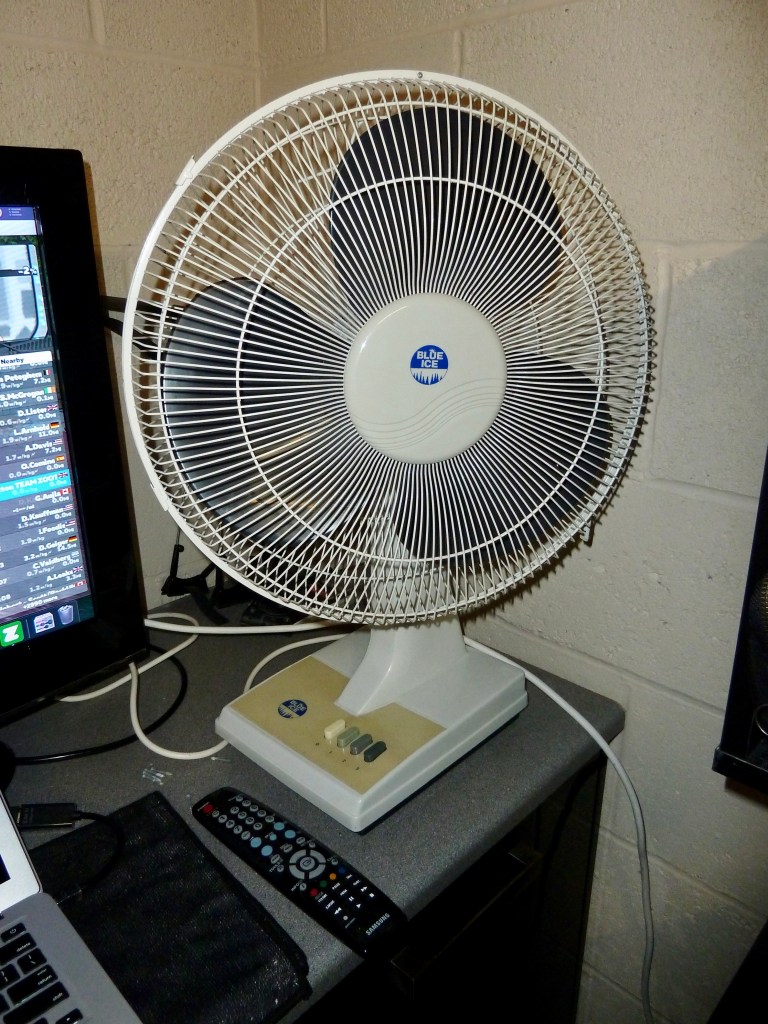
One MUST HAVE piece of kit for any indoor training is a big fan. I have this 12″ fan blasting air into my face and still sweat buckets. I am looking at buying a second fan to put lower down and blow up from ground level.
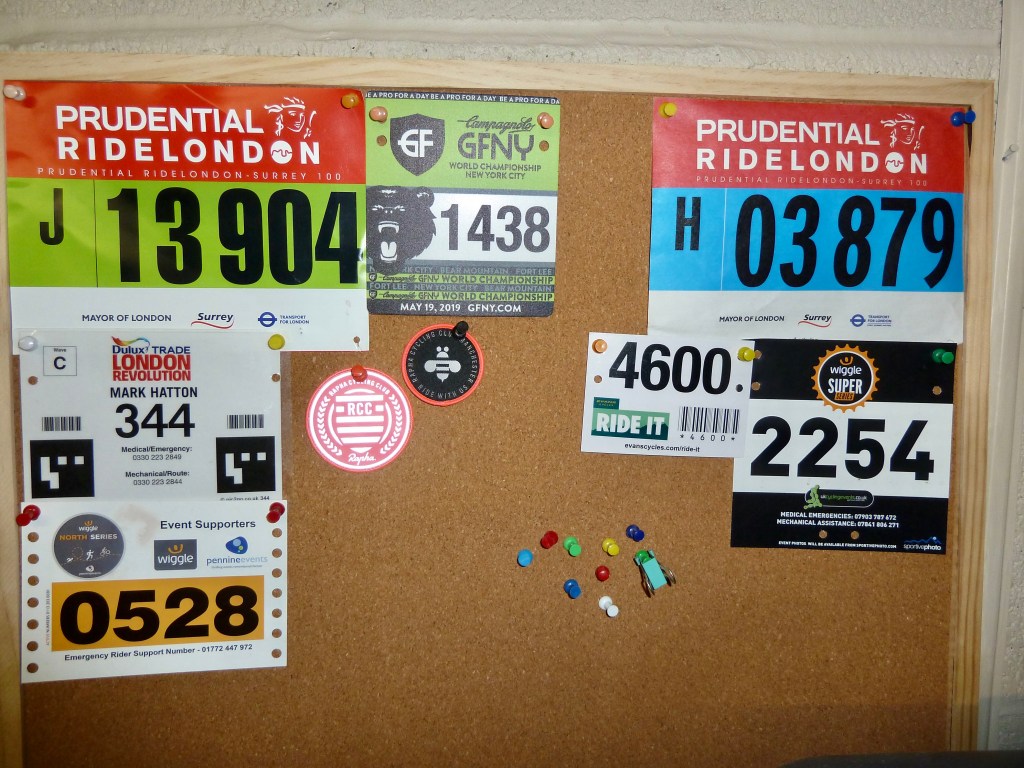
I have got a corkboard which my old numbers from various sportive events over the years. I really must get out for more sportives in 2021, only seven cycle events over the years is not that impressive. I am registered for the Dragon Ride Devil Route in June 2021, a 300km ride around South Wales with 4,400m of climbing. I am really looking forward to this one but it is going to be a big challenge!
So that is my indoor cycling setup. Not a great deal to it but it certainly does the trick and has massively helped my bike training during the winter months.
 The Cheshire Runner.